

In the digital age, basic online safety measures like strong passwords, two-factor authentication, and staying alert to phishing scams are essential for protecting yourself online. However, with the increasing sophistication of cyber threats, it’s important to take your online security to the next level. For those ready to go beyond the basics, here are some advanced tips and tools to help you stay safe online and protect your data from evolving threats.
1. Use a Password Manager for Stronger Security
While using unique, complex passwords for each account is important, managing multiple passwords can become overwhelming. This is where a password manager comes in handy. Password managers not only store your passwords securely but also generate random, complex passwords that are difficult for hackers to crack.
Popular password managers like LastPass, Dashlane, or 1Password use strong encryption to protect your data. They also make it easier to log into accounts without having to remember each password. Most password managers can sync across your devices, so you’ll have access to your credentials no matter where you are.
2. Encrypt Your Communications
Encryption is one of the best ways to protect sensitive data from being accessed by unauthorized parties. For advanced users, it’s a good idea to encrypt your communications and files to add an extra layer of protection.
- Encrypted Messaging Apps: Use secure messaging apps like Signal or WhatsApp (both offer end-to-end encryption) to ensure that your messages remain private. End-to-end encryption means that only you and the intended recipient can read the messages, not even the service provider.
- Encrypt Your Emails: For email communication, services like ProtonMail or browser add-ons like GPG (GNU Privacy Guard) allow you to send and receive encrypted emails. These tools ensure that only the recipient with the correct encryption key can access the content of your emails.
3. Regularly Audit and Minimize Your Digital Footprint
Your digital footprint includes the information you leave behind every time you use the internet, from social media activity to data stored on websites you visit. Over time, this footprint grows, creating more opportunities for hackers to exploit your information.
Conduct regular audits of your online presence:
- Remove old accounts: Delete accounts for services or websites you no longer use. The fewer accounts you have, the less data is vulnerable to potential breaches.
- Limit personal information sharing: Be cautious about the amount of personal information you share online. Review the privacy settings of your social media accounts and reduce the amount of publicly accessible information.
- Google yourself: Search for your name online to see what information is publicly available. If you find sensitive data or images, take steps to remove or secure it.
4. Use a Virtual Private Network (VPN) for Privacy
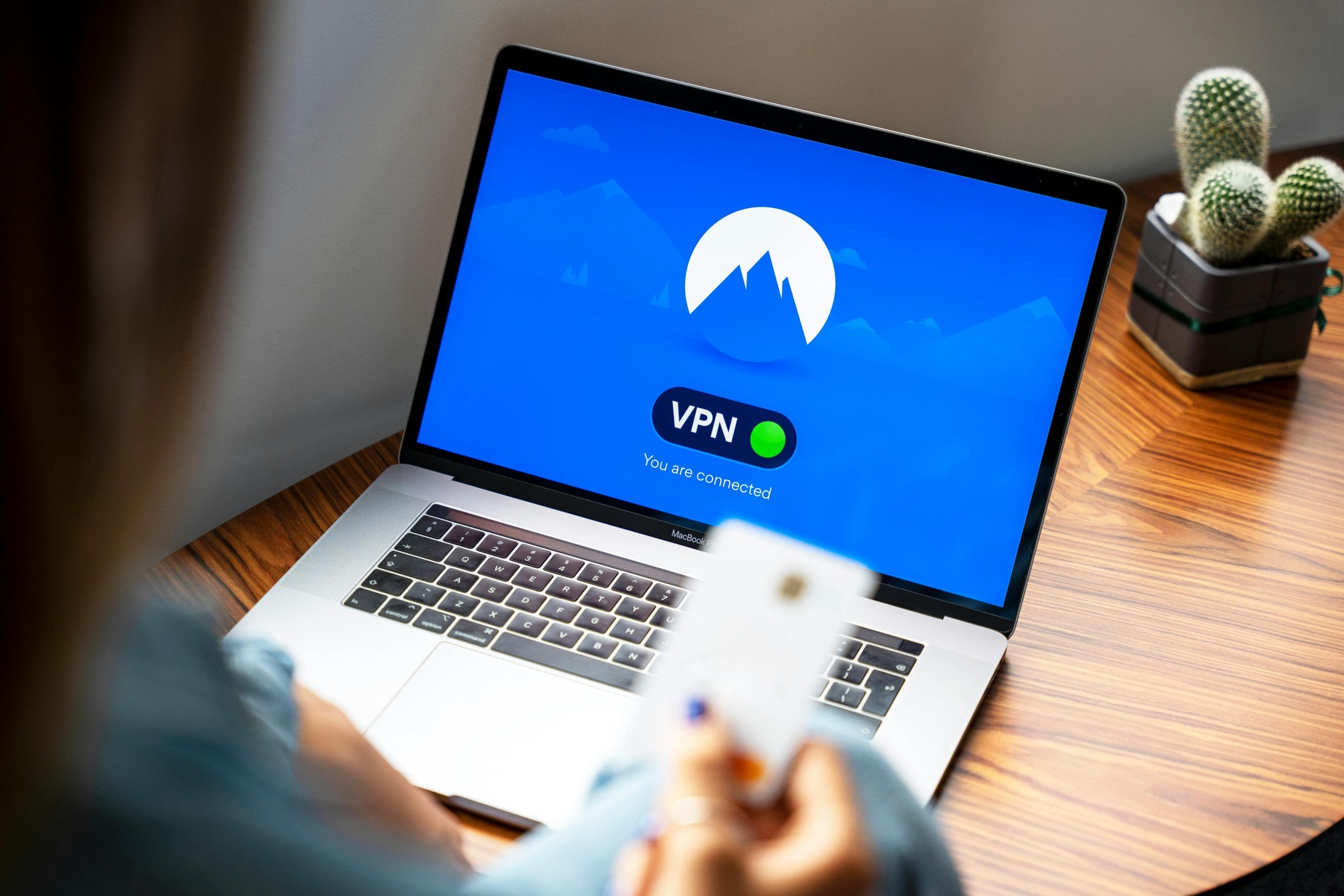
A Virtual Private Network (VPN) is an essential tool for maintaining your privacy online. A VPN encrypts your internet connection, masking your IP address and making it more difficult for hackers, advertisers, or other third parties to track your online activities.
VPNs are especially useful when:
- Using public Wi-Fi: Public networks in places like cafes, airports, or hotels are often insecure, making it easier for hackers to intercept your data. A VPN secures your connection by creating a private, encrypted tunnel for your internet traffic.
- Avoiding geo-restrictions: A VPN allows you to access content that may be restricted in your region by routing your connection through servers in different countries.
- Keeping your browsing private: By hiding your IP address and encrypting your data, a VPN helps protect your online privacy from your internet service provider (ISP) and websites that track your behavior.
Popular VPN services include NordVPN, ExpressVPN, and CyberGhost. When choosing a VPN, opt for one with strong encryption protocols, a no-logs policy, and servers in multiple countries for better flexibility and privacy.
5. Enable DNS Protection and Use Secure DNS Services
The Domain Name System (DNS) is like the internet’s address book, translating website names into IP addresses. However, standard DNS traffic is often unencrypted, leaving you vulnerable to DNS-based attacks, such as DNS spoofing or DNS hijacking.
To improve security, consider using a secure DNS service that offers encryption and protection against malicious sites:
- Cloudflare’s 1.1.1.1 or Google Public DNS are popular secure DNS services that provide faster, more secure browsing by blocking malicious sites and encrypting DNS requests.
- Additionally, DNS-over-HTTPS (DoH) or DNS-over-TLS (DoT) protocols can be used to encrypt DNS traffic, making it harder for third parties to monitor or manipulate your internet queries.
6. Monitor for Data Breaches and Identity Theft
In the unfortunate event of a data breach, it’s crucial to know immediately if your personal information has been compromised. Data breach monitoring tools help by alerting you when your email address or other personal data is found in a breach.
- Have I Been Pwned? is a popular free service where you can check if your email or phone number has been involved in a known data breach. You can also sign up for alerts if new breaches occur.
- Some password managers, like LastPass and Dashlane, also offer dark web monitoring to notify you if your data has been found on dark web forums.
To protect yourself from identity theft, consider using identity theft protection services like LifeLock or IdentityForce. These services monitor your personal information for signs of fraudulent activity, such as unauthorized credit card charges or loan applications.
7. Set Up Firewalls and Intrusion Detection Systems
A firewall acts as a barrier between your device and potential online threats, controlling incoming and outgoing traffic based on security rules. While most operating systems come with built-in firewalls (like Windows Defender Firewall or macOS firewall), you can enhance your security with advanced firewalls:
- Software firewalls can be installed on individual devices to block suspicious activities.
- Hardware firewalls offer protection at the network level, which is particularly useful for families or small businesses with multiple devices connected to the internet.
For advanced users, an Intrusion Detection System (IDS) can be set up to monitor network traffic for suspicious behavior, alerting you to potential security breaches. Tools like Snort or Suricata offer open-source solutions for network security monitoring.
8. Be Cautious with Browser Extensions and Add-ons
Browser extensions can enhance your online experience, but they can also be a security risk if not carefully chosen. Some extensions can track your online activity, inject ads, or compromise your privacy.
- Limit the number of extensions you use, and only install those from trusted sources. Check reviews and permissions before adding them to your browser.
- Use browser privacy tools like uBlock Origin or Privacy Badger to block trackers and ads that may compromise your privacy.
- Disable or remove extensions you no longer use, as outdated extensions may contain vulnerabilities that hackers can exploit.
9. Use Anti-Malware Tools for Comprehensive Protection
In addition to antivirus software, installing anti-malware tools provides additional protection against a wider range of threats, including spyware, ransomware, and adware.
- Programs like Malwarebytes, Bitdefender, and Trend Micro offer real-time protection against malicious software. They can scan for and remove threats that traditional antivirus programs might miss.
- Keep your anti-malware tools updated, as new types of malware are constantly emerging.
An Evolving and Ongoing Process
As cyber threats become more sophisticated, it’s essential to use advanced tools and strategies to stay secure online. By incorporating password managers, VPNs, encrypted communications, and secure DNS services into your online habits, you can significantly enhance your protection against hackers, data breaches, and privacy violations.
Remember, online security is an ongoing process. Regularly review and update your security measures to stay ahead of new threats and ensure that your digital life remains safe and secure.